


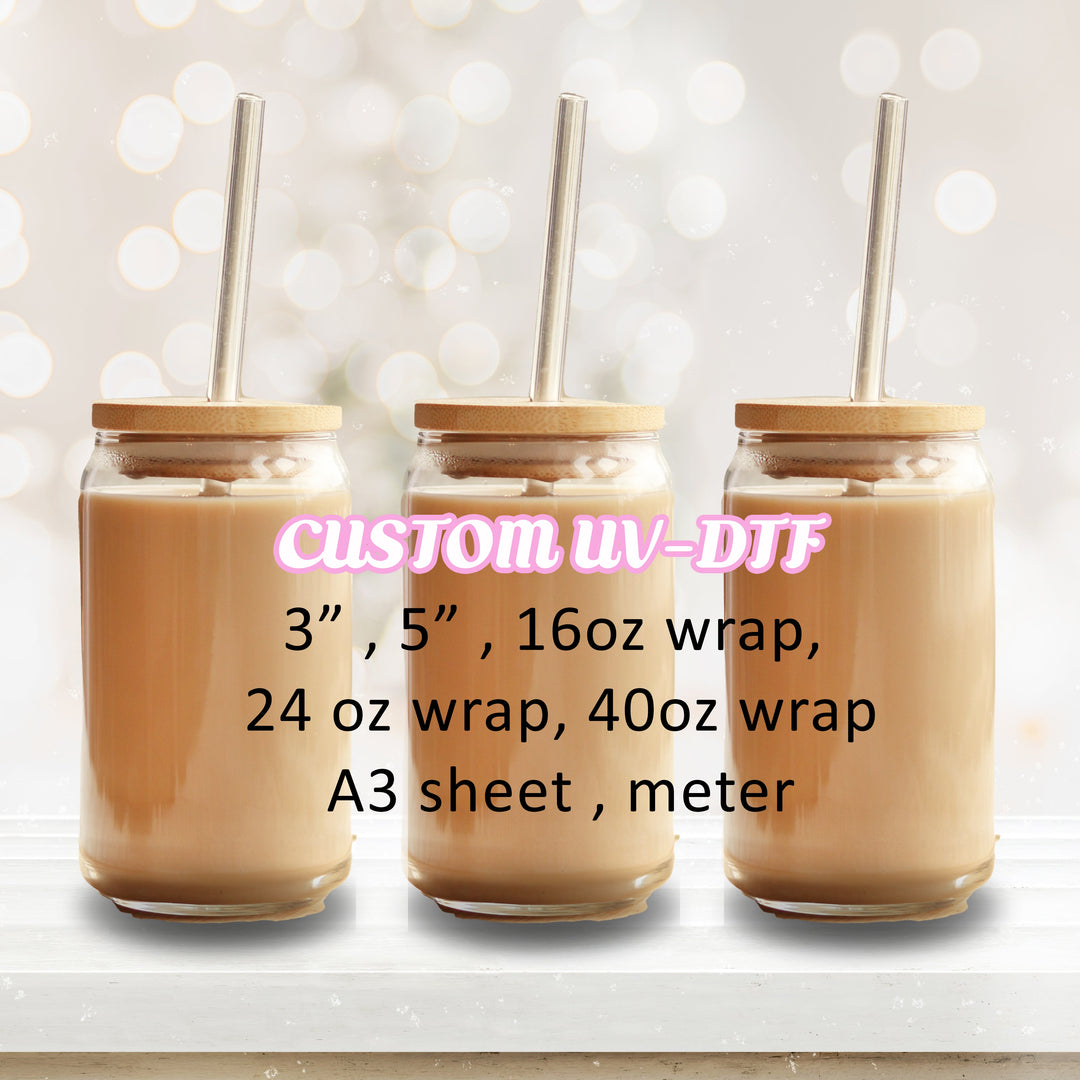
CUSTOM UV DTF DECAL - Builder
Pairs well with
- Free UK shipping order over £50 except surprise box
- Crafty points on every order
- In stock, ready to ship
Please make sure all files uploaded for UV DTF printing are in PNG format and have transparent backgrounds.
For the best results, upload the highest quality images you have on hand. we not responsible end result if low quality image provided
Important Size Information
The selected size is the print area (canvas size).
Your uploaded artwork will be printed exactly as arranged in the builder. Images will keep their original proportions and will not be stretched to fill empty space.
Example:
• If you choose a 10cm × 10cm print area and place a 4cm × 10cm design in the builder, your design will print at 4cm × 10cm within the 10cm × 10cm print area.
• If you upload multiple images, they will print in the size and position shown in the builder.
Please ensure your artwork fills the print area if you require a full-size print
If you need :
-Bigger size the a4
-Bigger print
-Custom print
CLICK HERE
UV DTF - for hard object such as glass, bottle acrylic and many more - No need heat
Elevate your cup designs with UV DTF printing!
Bid farewell to intricate layering and weeding.
Not only stunning but waterproof too!
• No need for weeding, just peel and stick! For best results, take
your time making sure to squeegee the design before and
after applying
• Resistant to water and scratches for a long-lasting finish.
• Decals can be applied using the whole wrap or just parts of
the wrap by cutting them before applying them
• Easy to apply
• Handwash only
HOW TO APPLY
• Make sure your surface/substrate is clean, dry, and free from any dirt.
• Use a squeegee across both the front and back of the design to ensure it's primed for peeling.
• Slowly and gradually peel off the transparent film, which should now hold your design.
• Apply your design to the object in the desired position. Please ensure you're content with the placement before proceeding, as repositioning isn't an option.
• Slowly and gently peel away the clear carrier film from the design, completing the application process.
• when applying be careful of film overlapping
DTF Hot Peel Transfer - For fabric - Need heat press or Iron
Instructions Heat Press (Cold Peel):
- Temperature: 160 degrees Celsius
- Time: 30 seconds
- Pressure: Heavy
- Allow to cool for 90 seconds
- Peel: Cold
- Place Teflon sheet over design
- 2nd press: 10 seconds
Cricut, Cricut Mini, and Household Iron (Cold Peel):
- Temperature: 160 degrees Celsius
- Time: 30 seconds
- Pressure: Heavy
- Peel: Let cool completely before peeling
- Place Teflon sheet over design
- 2nd press: 10 seconds