


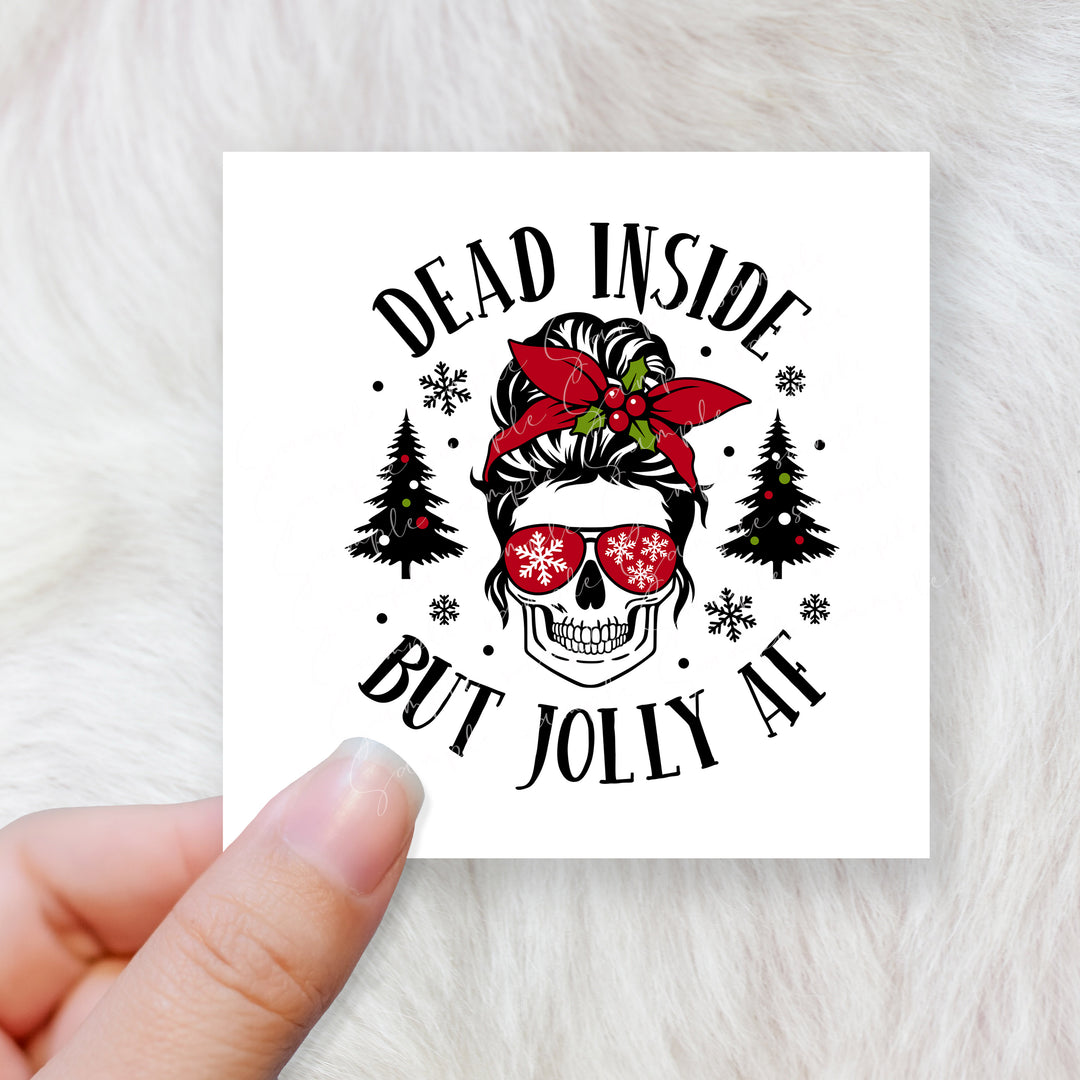
Dead inside but jolly AF - CHOOSE UV DTF decal - DTF Transfer
DECALA-0118-DTF-10inch
Pairs well with
- Free UK shipping order over £50 except surprise box
- Crafty points on every order
- In stock, ready to ship
• Choose your length size refer to the longest one
• Printed using professional equipment
UV DTF - for hard object such as glass, bottle acrylic and many more - No need heat
Elevate your cup designs with UV DTF printing!
Bid farewell to intricate layering and weeding.
Not only stunning but waterproof too!
• No need for weeding, just peel and stick! For best results, take
your time making sure to squeegee the design before and
after applying
• Resistant to water and scratches for a long-lasting finish.
• Decals can be applied using the whole wrap or just parts of
the wrap by cutting them before applying them
• Easy to apply
• Handwash only
DTF Hot Peel Transfer - For fabric - Need heat press or Iron
Instructions Heat press (Cold Peel):
- Temperature: 160 degrees Celsius
- Time: 30 seconds
- Pressure: Heavy
- Allow to cool for 90 seconds
- Peel: Cold
- Place Teflon sheet over design
- 2nd press: 10 seconds
Cricut, Cricut Mini, and Household Iron (Cold Peel):
- Temperature: 160 degrees Celsius
- Time: 30 seconds
- Pressure: Heavy
- Peel: Let cool completely before peeling
- Place Teflon sheet over design
- 2nd press: 10 seconds
Tips for Transfers:
- When peeling the transfer:
- Set temperature to 160 degrees and ensure heavy pressure.
- Wait 60-90 seconds before peeling from one corner slowly.
- If transfer residue remains, re-press for 8-10 seconds and retry.
- If not sticking or peeling away, adjust pressure and re-press for 5-7 seconds.
- Repeat until the perfect setting is found.
- Once successful, apply the second transfer for 30 seconds using the determined pressure and adjusting based on heat press setting
We cannot assume responsibility for transfers that have been incorrectly pressed applied wrong. To avoid this issue, please ensure that you carefully press or apply
your wraps. Looking for something you don't see in our store? Email us and
we will be happy to help you
Purchase your Libbey beer can here
Before making a purchase, please take a moment to read through our terms and conditions.
If you need :
-Bigger size the a4
-Bigger print
-Custom print
CLICK HERE
UV DTF - for hard object such as glass, bottle acrylic and many more - No need heat
Elevate your cup designs with UV DTF printing!
Bid farewell to intricate layering and weeding.
Not only stunning but waterproof too!
• No need for weeding, just peel and stick! For best results, take
your time making sure to squeegee the design before and
after applying
• Resistant to water and scratches for a long-lasting finish.
• Decals can be applied using the whole wrap or just parts of
the wrap by cutting them before applying them
• Easy to apply
• Handwash only
HOW TO APPLY
• Make sure your surface/substrate is clean, dry, and free from any dirt.
• Use a squeegee across both the front and back of the design to ensure it's primed for peeling.
• Slowly and gradually peel off the transparent film, which should now hold your design.
• Apply your design to the object in the desired position. Please ensure you're content with the placement before proceeding, as repositioning isn't an option.
• Slowly and gently peel away the clear carrier film from the design, completing the application process.
• when applying be careful of film overlapping
DTF transfers are ready-to-press designs that create vibrant, durable prints on cotton, polyester and fabric blends. Best applied using a heat press machine.
DTF Transfer Application Instructions
COTTON
- Set your heat press to 155°C.
- Apply medium pressure for best results.
- Position your garment on the heat press and place the transfer onto the fabric. Cover with parchment paper.
- Press for 6–7 seconds.
- Our transfers are hot peel, so remove the film immediately after pressing while still hot.
- Cover the design again with parchment paper and press for a further 2–3 seconds maximum.
- Allow 24 hours before washing or stretching the garment.
100% POLYESTER
- Set your heat press to 135°C.
- Use light pressure to achieve the best finish and help prevent dye migration.
- Lay your garment flat on the heat press, position the transfer and cover with parchment paper.
- Press for 6–7 seconds.
- Peel away the backing film immediately while hot.
- Cover with parchment paper and give it a final press for 2–3 seconds maximum.
- Wait at least 24 hours before washing or stretching the garment.
Cricut, Cricut Mini, and Household Iron (hot peel):
- Temperature: 160 degrees Celsius
- Time: 6-7 seconds
- Pressure: Heavy
- Our transfers are hot peel, so remove the film immediately after pressing while still hot.
- Place Teflon sheet over design
- 2nd press: 2-3 seconds